Notes & writing
Search, ⌘K Command palette & tags
Find any note fast, filter by #tag, and run actions, tools and themes from the Command palette.
Search runs on your device, so it is fast even with thousands of notes — and your words never leave the browser.
Search notes
- Type in the Search box at the top of the Sidebar (or press / when you are not typing). The Note list shows the matches as you type.
- Search finds words in titles and text, in English, Thai and other languages.
- Esc in the Search box clears it.
Tags
- Write
#taganywhere in a note:#work,#recipes. Tags are coloured in the Editor. - All tags are listed at the end of the Sidebar with their note counts. Click one to see its notes.
- Search with a tag:
#workshows notes with that tag;#work launchnarrows to notes tagged #work that also contain “launch”.
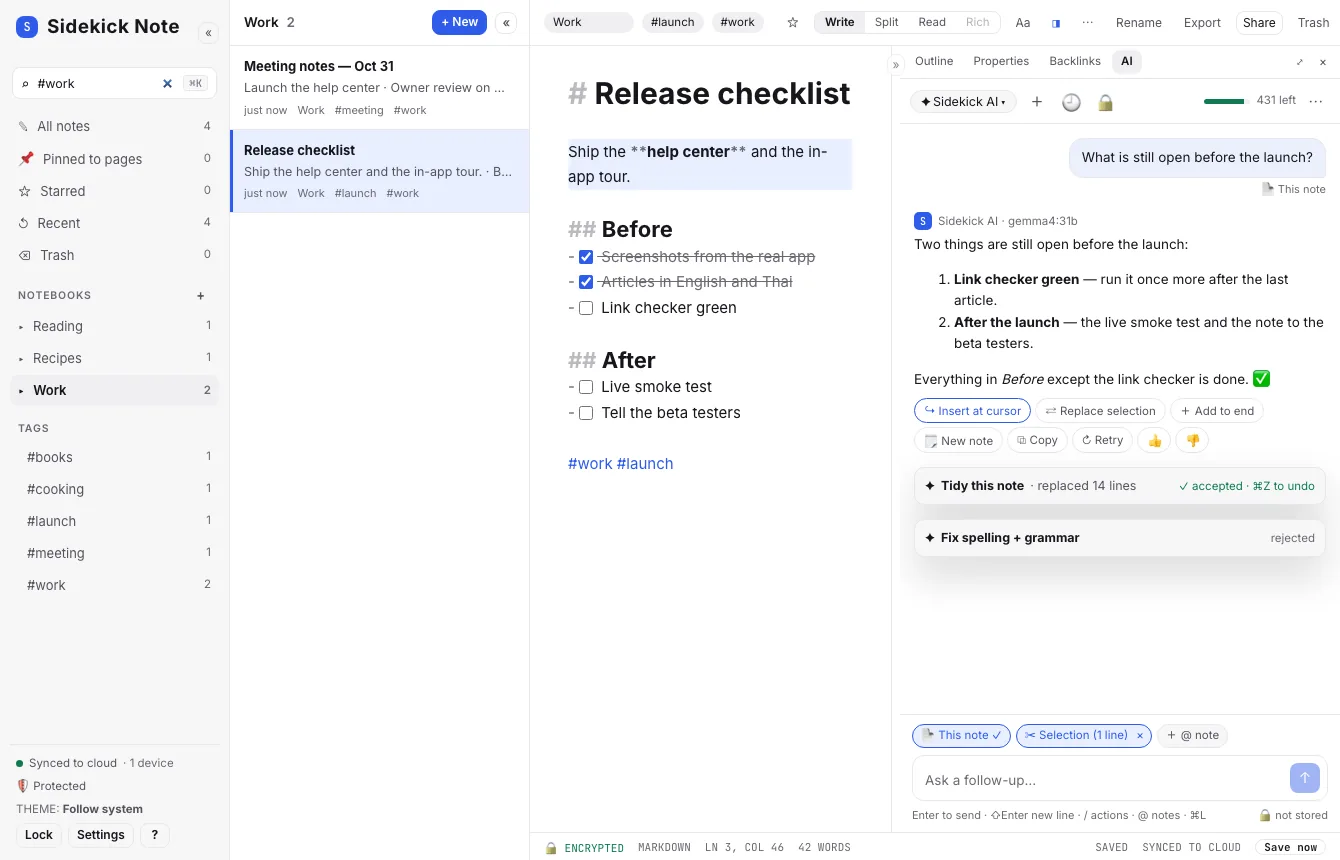
The Command palette (⌘KCtrlK)
One box for everything: type a few letters, pick with the arrow keys, press ↵Enter.
- Notes — jump to any note by its title, or make a new one.
- Actions — export, share, Markdown helpers, panes (fold, focus), lock private notebooks, Settings.
- Look — type “theme” to switch themes with a live preview.
- Tools on the selection or the code block under the cursor: Base64 and URL encode / decode, JSON pretty / minify / check, YAML pretty / check, YAML ⇄ JSON; insert a UUID (v4 or v7) or the time (ISO or Unix).
- AI — the same actions as the AI menu (AI: menu, chat and privacy).
Templates and cards in the palette
These commands are in the palette too (type a few letters of the name). The full story is in Templates.
- New note from template — the starter pack and your own templates, with a preview.
- Save note as template — keeps a copy of the open note in your Templates notebook.
- Insert card preset… — ready-filled cards (a packing list, a bill split, a chart…). Typing Preset: and a name finds one directly, also by its Thai name.
- Format: Insert … card — a blank recipe, checklist, split, convert or chart card (Widgets: cards in your notes).
- Copy template link for this note, Export my templates & presets… and Import templates & presets… — share or move templates.
In a submenu such as Insert card preset…, Esc goes back one level; press it again to close the palette.
Was this helpful?
Thanks! We keep no record of your answer — if something was missing, tell us below.
Something missing or wrong? Write to support@plaazaa.com.