Sidekick Note

The pop-up notepad, back for the browser age

Notes beside every page.

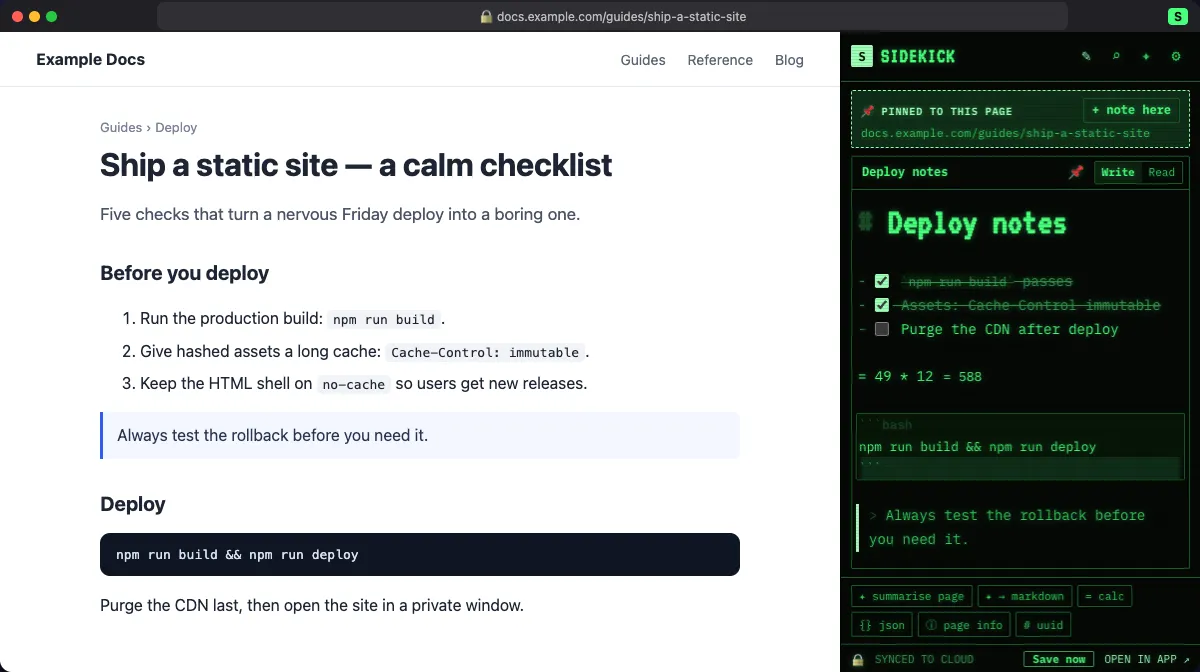
Press Alt+S, write in plain Markdown, get back to work. Sidekick Note keeps your notes next to the page they belong to — private, fast and simple.

Free during the beta · No ads · No tracking · Protected by default, private when you need it

Continue with IDUnify

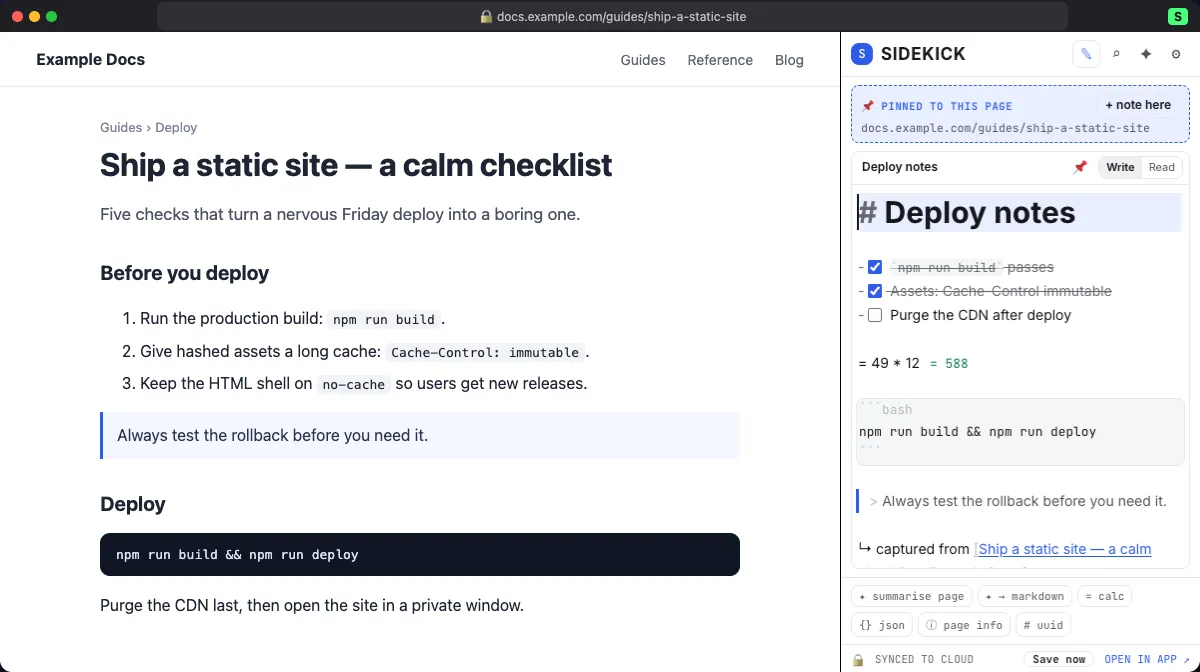
Sidekick Note side panel beside a web page, with a Markdown note pinned to that page Sidekick Note side panel beside a web page, with a Markdown note pinned to that page

The story

A hotkey, a notepad, and right back to work.

In 1984 a small program changed how people used their PCs. Press a hotkey and a notepad, a calculator and a calendar popped up over whatever you were doing. Close it, and you were right back in your work — nothing lost.

We still love that idea. Today our work lives in the browser, so Sidekick Note brings the pop-up notepad to the browser age: a side panel beside any page, notes in Markdown, and a few small tools that help with the page in front of you.

Then (1984)Now (Sidekick Note)
A hotkey pop-up over any DOS programA side panel beside any web page (Alt+S)
A notepadMarkdown notes pinned to the page or site
Calculator, ASCII table, dialerSmall tools for devs and everyday web work: = 12*7.5, JSON, page info, UUID
Never leave your workNever leave the page

Sidekick Note is an independent product, inspired by the pop-up desk utilities of the 1980s. It is not affiliated with, or endorsed by, the makers of those programs.
Features

Small on purpose. Good at notes.

  • Notes beside the page

    Open the side panel on any page. Notes pinned to that page — or the whole site — open first. Right-click to save a selection with a link back to its source.

  • Markdown, done properly

    CommonMark + GitHub tables, task lists and footnotes, code highlighting for about 190 languages, math and diagrams. Write, Split or Read. Export .md, .html or .zip any time.

  • Protected by default, private when you need it

    Every note and image is encrypted on your device and stays encrypted in the cloud. <b>Standard protection</b>: the key is held in Google Cloud KMS and opened only through your signed-in account — staff can’t browse notes, and nothing is used for ads or AI training. <b>Private notebooks</b>: end-to-end, with their own passphrase — only you can open them, not even us.

  • AI that respects your notes

    Summarise a page, tidy a note, ask a question — only when you click. You see what will be sent. Use Sidekick AI, your own key, Chrome on-device AI, or turn AI off. Mark any note “never send to AI”.

  • Retro or clean

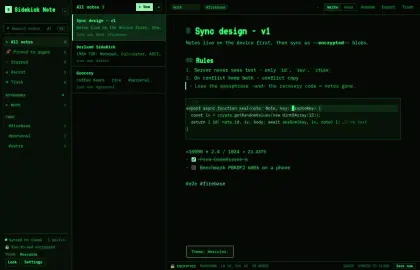
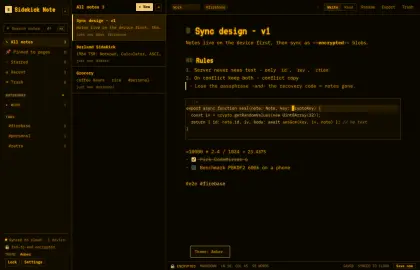
    Nine looks: Hercules green, Amber, Apple II, CGA, PC Color, Macintosh, Commodore 64 — or Modern Light and Dark that follow your system.

  • Same notes everywhere

    The web app on any computer and the Chrome side panel share one account — sign in and your encrypted notes are there, no passphrase to type. Works offline; syncs quietly in the background.

  • Fast, really

    Everything runs in your browser: a note opens in about 30 ms in our tests, and search runs on your device — even across thousands of notes.

  • Works with Plaazaa

    One free IDUnify account for Sidekick Note and the Plaazaa community. Sharing a note into a Plaazaa Space is on the way.

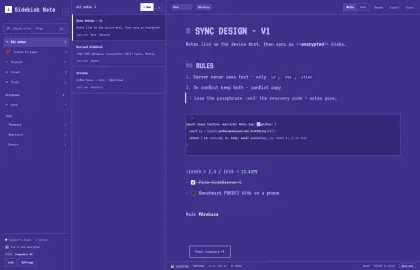
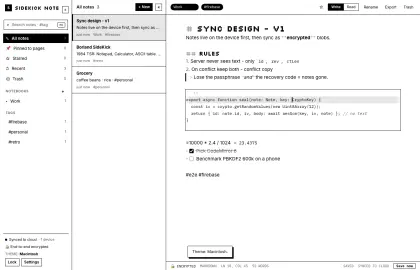
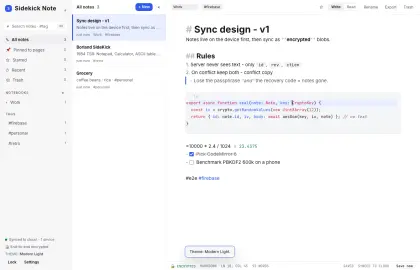
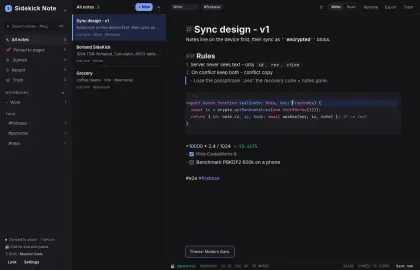
Hercules Amber Commodore 64 Macintosh Modern Light Modern Dark
A few of the nine looks: Hercules, Amber, Commodore 64, Macintosh, Modern Light and Dark.

Screenshots

Real app, real screens.

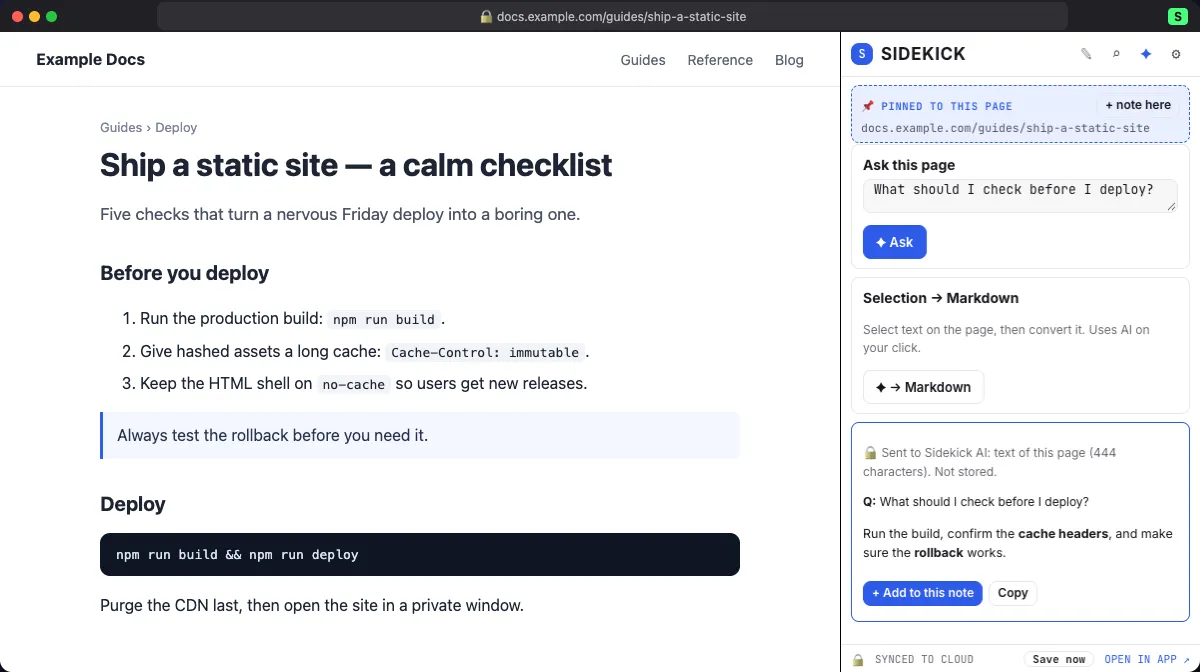
Page AI, only when you ask — and it tells you what was sent.
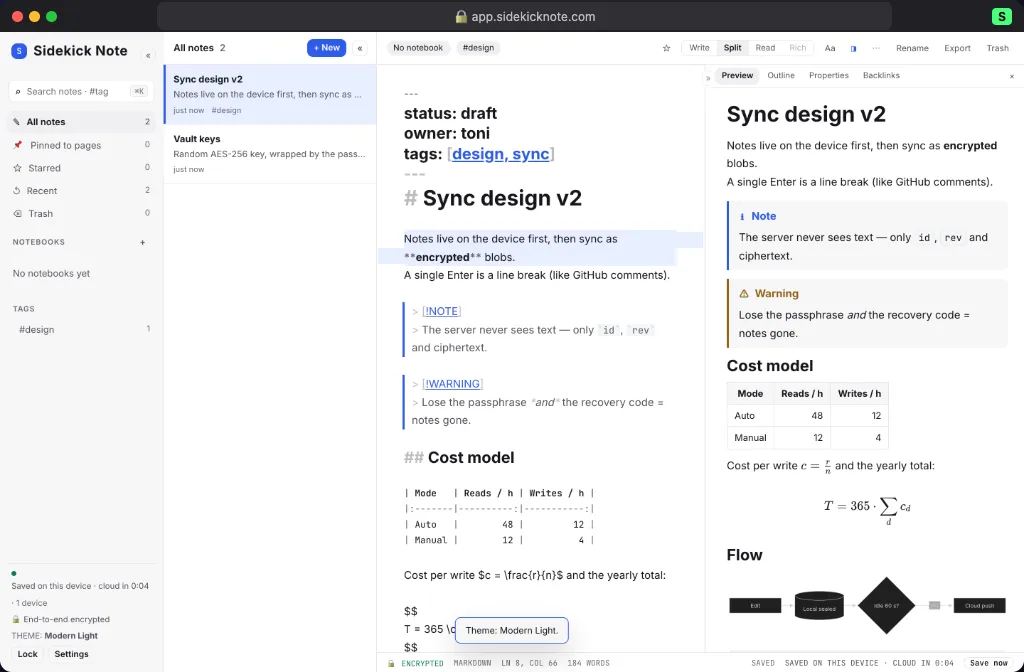
The web app: Split view with live preview, callouts, tables, math and diagrams.
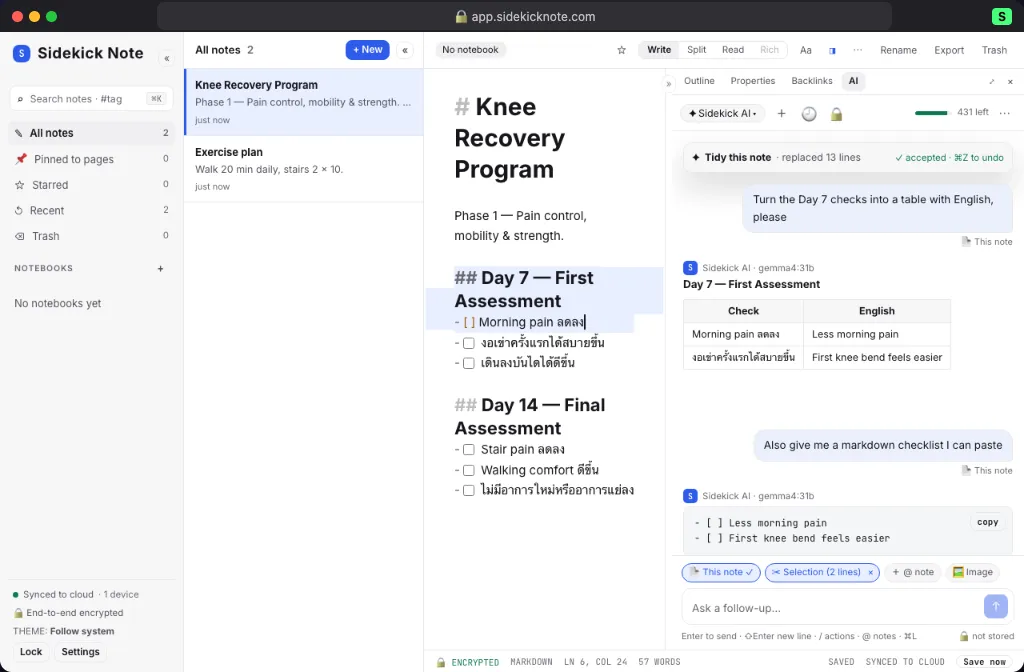
Chat with Sidekick AI about the note you are writing.

Pricing

Free during the beta.

We are still setting prices. Paid plans will be cheaper than the big note apps, and you will hear from us before anything changes. The Free plan stays.

Free

$0

Now

  • All note features: Markdown, notes beside the page, export
  • Standard protection + private (end-to-end) notebooks on every plan
  • Web app + Chrome extension, sync on your devices
  • Monthly Sidekick AI credits (or your own key / on-device AI)
Start free

Plus

Price not set yet

Coming later

  • Everything in Free
  • More Sidekick AI credits
  • Larger notes and images

Pro

Price not set yet

Coming later

  • Everything in Plus
  • The most AI credits and the biggest limits
  • Priority help

FAQ

Questions, answered.

Can you read my notes?

Your notes and images are encrypted on your device and stay encrypted in our cloud. With Standard protection (the default) the key for your account is held in Google Cloud KMS and released only to your signed-in account — our staff can’t browse notes, and notes are never used for ads or AI training. For notes nobody but you can open — not even us — put them in a private notebook: end-to-end encrypted with its own passphrase. If you share or publish a note, that copy is readable by people with the link — your choice, note by note.

What if I forget my passphrase?

Standard notes need no passphrase: sign in with IDUnify and they open on any device. A private notebook has its own passphrase and a recovery code, shown once when you make it private — keep it somewhere safe (print it or save it in a password manager). If you lose both, nobody — including us — can open that notebook. That is the price of real privacy.

Does it work offline?

Yes. Notes are saved on your device first and sync when you are back online. The web app keeps working without a connection once it has loaded on that device.

What are AI credits?

Sidekick AI runs on your free IDUnify account, which includes a monthly allowance of AI credits. Text you send is passed to the AI to answer and is not stored by Sidekick Note or the AI service. You can also use your own API key, Chrome’s on-device AI, or switch AI off — per device.

What is IDUnify?

IDUnify is the free account you sign in with. It knows your name and e-mail so you can sign in; it never sees your notes.

How do I get the Chrome extension?

The Chrome extension is in a private beta right now. Use the web app today; to join the extension beta, write to us at support@plaazaa.com.

Can I take my notes with me?

Always. Export a note or everything as Markdown (.md), web pages (.html) or one .zip — standard files that open anywhere.

Is it really free?

Yes, everything is free during the beta. When paid plans start, a Free plan stays.

Your pop-up notepad is ready.

Open the web app now — the Chrome side panel is in private beta.