For your team · For admins
Admin pages & roles
For the Sidekick Note team: what Super admins, Admins and Support can see and do at app.sidekicknote.com/admin.
This page is for the Sidekick Note team. The admin pages live at app.sidekicknote.com/admin, behind the same IDUnify sign-in. People without a role see “403 — not an admin” and no admin code is loaded.
Roles
| Role | Can | Cannot |
|---|---|---|
| Super admin | Everything: roles, plan definitions, sync defaults, AI actions and prompts, users, VIP, audit log. | Be removed or demoted from the admin pages (the two owners are built in). |
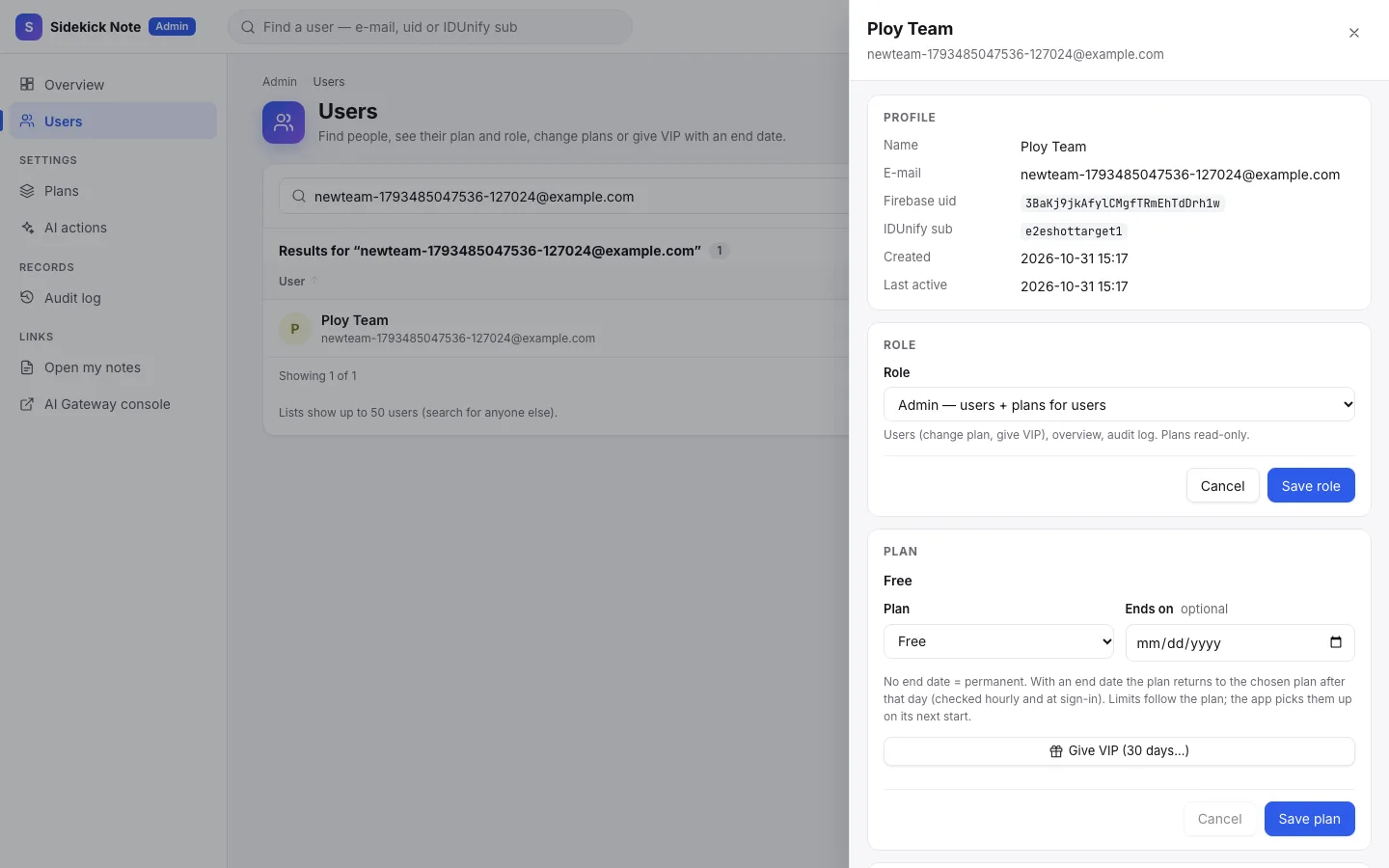
| Admin | Overview, users, change a user’s plan, give VIP with an end date, read the audit log. Plans are read-only. | Change roles, plans or AI actions. |
| Support | Read-only: overview, users, audit log — to help people. | Change anything. |
- Every request is checked against your role on the server, each time — a role change works at once.
- Nobody can change their own role. Every role change asks for confirmation and is written to the audit log (before → after).
- Admins never see note text: notes are encrypted; the pages show counts, plans, sizes and devices only.
The pages
- Overview — KPI cards: users, active in 7 and 30 days, plans, VIP ending soon, protection counts.
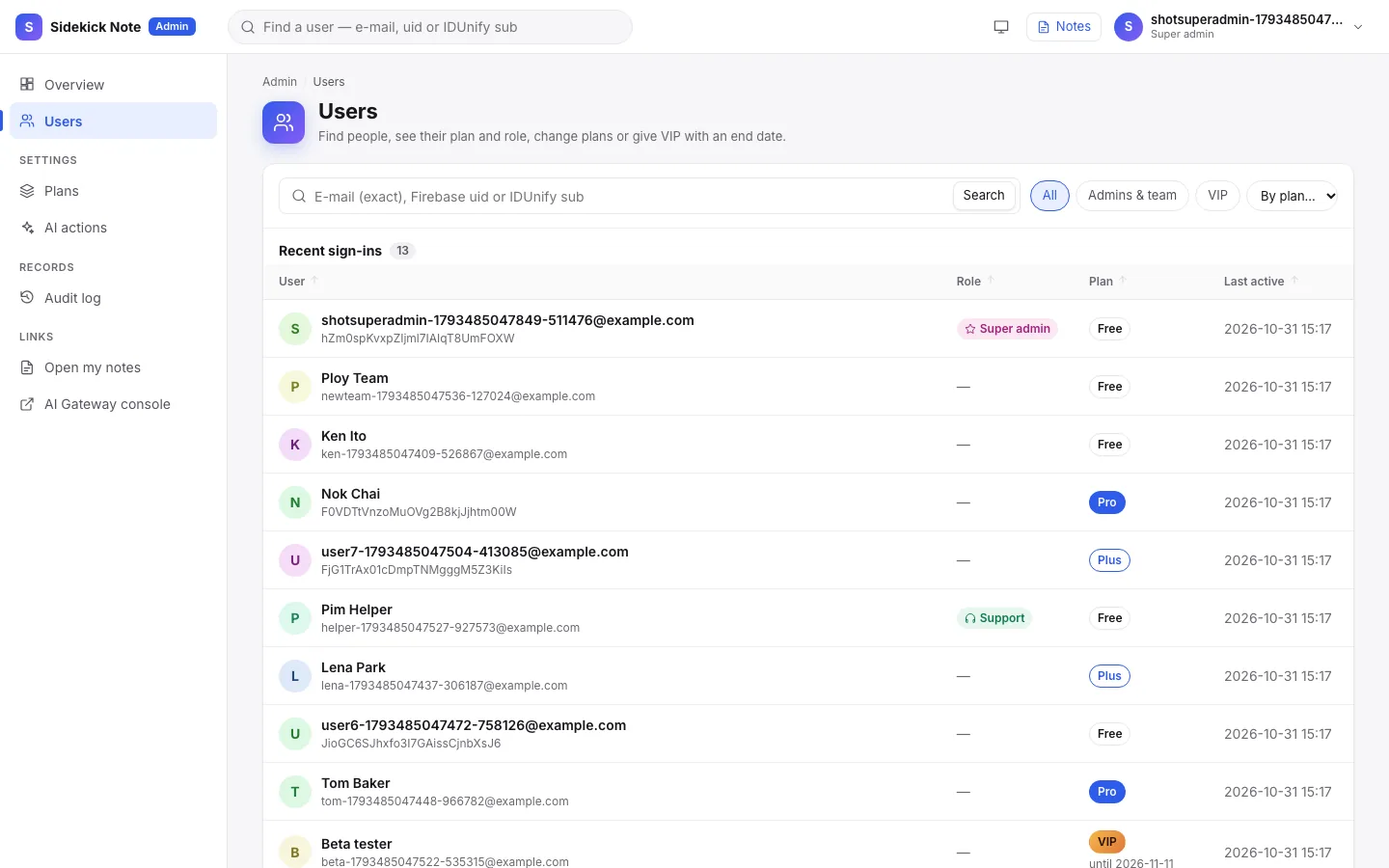
- Users — search by e-mail, uid or IDUnify id; click a row to open the User drawer (Profile, Role, Plan, Usage, Devices).
- Plans — Free · Plus · Pro · VIP: note and image sizes, sync settings per plan.
- AI actions — the 24 AI actions with English and Thai prompts, on / off, per plan, Test, versions and rollback (Super admin).
- Audit log — every admin change, before → after.
Was this helpful?
Thanks! We keep no record of your answer — if something was missing, tell us below.
Something missing or wrong? Write to support@plaazaa.com.